
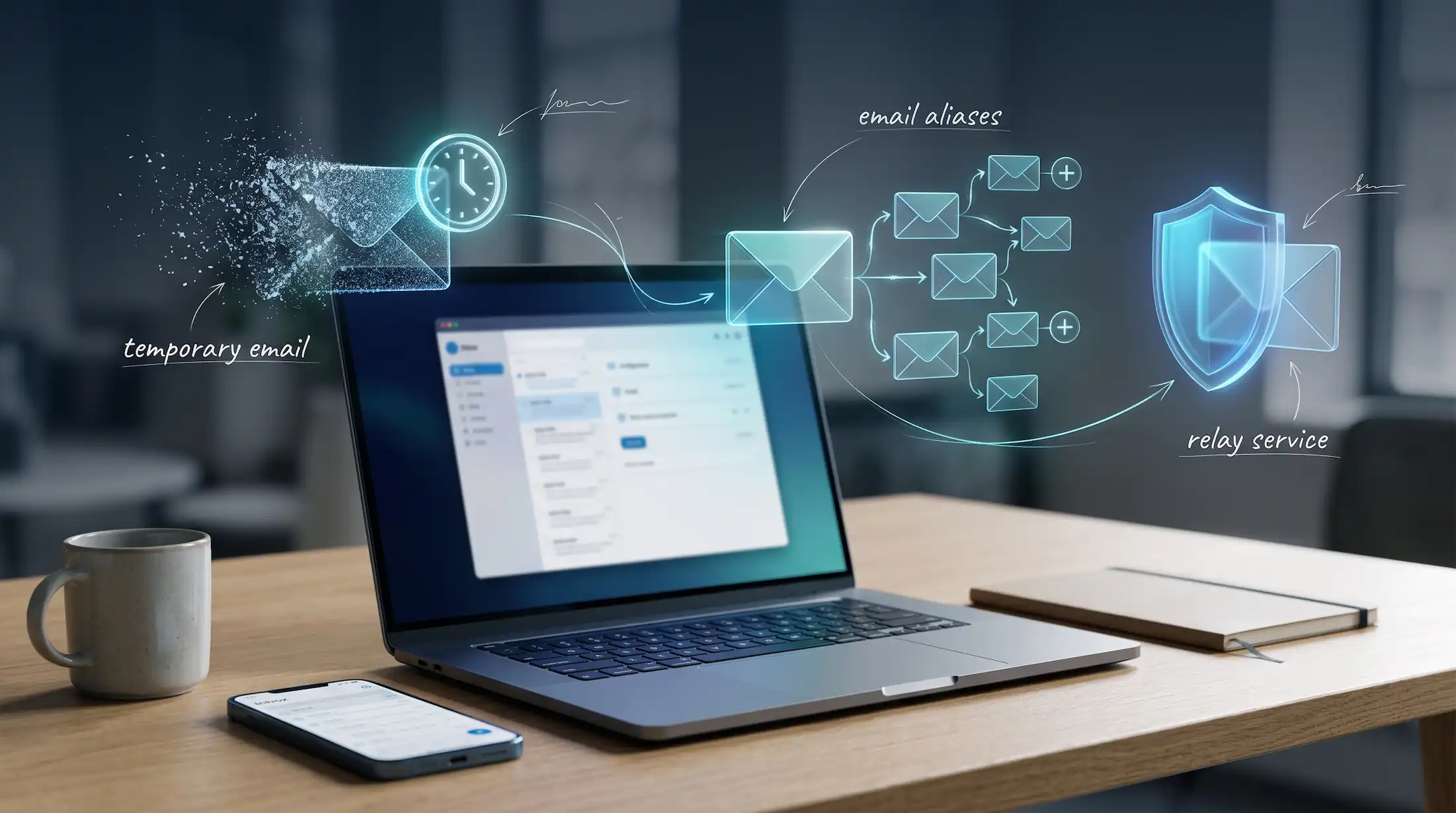
If you care about keeping your main inbox private, you've probably come across a few options: temporary email, Gmail's "plus" trick, and alias services like Apple's Hide My Email. They all sound similar. They aren't.
Each one solves a slightly different problem. Pick the wrong one and you'll either leak your real address or lock yourself out of an account you needed. Here's a plain-English breakdown so you can choose.

The Quick Answer
- Temporary email: best for one-time sign-ups you'll never come back to.
- Gmail + addresses: best for sorting mail and spotting who shared your email. Not for privacy.
- Email aliases (iCloud Hide My Email, Firefox Relay, etc.): best for accounts you'll keep but don't fully trust.
- Your real email: banking, work, healthcare, government and account recovery.
Temporary Email
A temporary email service like Temp Mail .FYI gives you a ready-to-use inbox instantly, with no account and no link to your real address. Messages show up in your browser, and after a while the inbox goes away.
Good for: one-off downloads, gated articles, coupon codes, Wi-Fi portals, testing an app, or any site you don't trust.
Watch out for: it's temporary. You won't be able to reset passwords or get receipts later. Some sites also block disposable domains (we explain why in why some websites block temporary emails).
Gmail Plus Addressing
Gmail ignores anything after a plus sign in the first part of your address. So alex+netflix@gmail.com and alex+newsletters@gmail.com both land in alex@gmail.com. Outlook supports something similar.
Good for: automatic filtering. You can set up a rule that sends everything to "+shopping" into its own folder. And if "+pizzashop" starts receiving spam from strangers, you know who shared your address.
Watch out for: it doesn't hide anything. Your real address is right there, and spammers know how to strip the plus part off. Some sites also reject the plus sign in forms.
Email Alias Services
An alias is a separate, random-looking address that forwards mail to your real inbox. If it starts getting spam, you switch it off, and that's the end of it. Popular options include:
- iCloud Hide My Email: built into Apple devices. Free when you use Sign in with Apple; creating your own aliases for any site needs an iCloud+ subscription.
- Firefox Relay: from Mozilla, with a free tier and a paid plan for more aliases.
- DuckDuckGo Email Protection: free forwarding addresses that also strip out many email trackers.
- SimpleLogin: now part of Proton, with free and paid tiers and support for custom domains.
Features and limits change over time, so check each provider's current plans before you commit.
Good for: shopping accounts, subscriptions, social media and apps you'll use for months but don't want having your real email.
Watch out for: you're trusting the alias provider with your mail flow. And if you ever leave that service, you'll need to update the email on every account that uses its aliases.

Side-by-Side Comparison
- Hides your real address? Temp mail: yes. Plus addressing: no. Alias: yes.
- Setup needed? Temp mail: none. Plus addressing: none. Alias: create an account with the provider.
- Long-term access? Temp mail: no. Plus addressing: yes. Alias: yes, as long as the alias stays active.
- Can you turn it off if it gets spam? Temp mail: it expires on its own. Plus addressing: only with filters. Alias: yes, instantly.
- Often blocked by sites? Temp mail: sometimes. Plus addressing: occasionally. Alias: rarely.

Which Should You Use?
Most people end up using all of them, which is exactly the right idea. Ask yourself one question: will I need this account again?
- No, it's a one-time thing. Use a temporary email.
- Yes, but I don't fully trust them. Use an alias.
- Yes, and I just want my inbox organised. Plus addressing is fine.
- Yes, and it's important. Use your real email with two-factor authentication.
A Real-World Setup
Here's what this looks like day to day. Your bank, your work tools and your doctor's portal get your main address. Your online stores and streaming services each get their own alias, so a leak at one never reaches the others. And that recipe site that wants an email before showing you the ingredients? It gets a temporary address from Temp Mail .FYI and never hears from you again.
It sounds like more effort than it is. After a week it becomes automatic, and your inbox gets noticeably quieter.
The Bottom Line
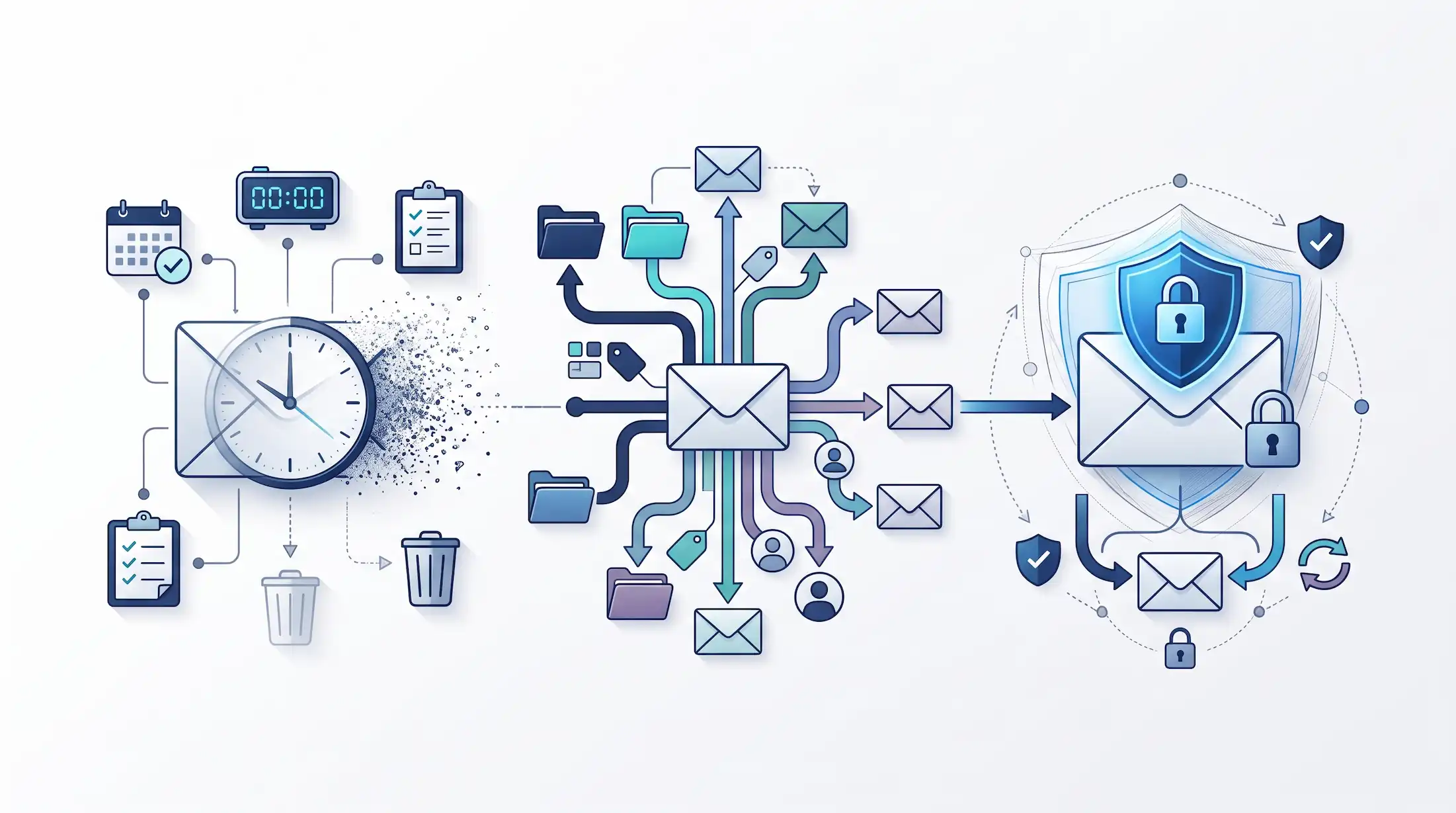
Temp mail, plus addressing and aliases aren't competitors. They're different tools. Use temporary email for the throwaway stuff, aliases for the accounts in the middle, and keep your real address for what really matters.
Frequently Asked Questions
Does a Gmail plus address hide my real email?
No. Anyone can remove the part after the plus sign and see your real address. It's useful for filtering and tracking who shares your email, not for privacy.
Is iCloud Hide My Email free?
Creating addresses through Sign in with Apple is free. Making your own Hide My Email addresses for any site requires an iCloud+ subscription. Check Apple's current plans for details.
Can I reply from an email alias?
Many alias services let you reply while keeping your real address hidden, but support varies. Check your chosen service's documentation.
When is temporary email better than an alias?
For one-time sign-ups you'll never return to, like a download, coupon or quick test. There's no setup, and nothing gets forwarded to your real inbox.
Should I use an alias for my bank?
Most people should use their main, permanent email for banking, healthcare and government services, with strong 2FA turned on. Never use a temporary email for these.
